
Automating your business with AI: ten projects, and two in detail
The ten automations that come up most often, how to decide which one to start with, and the full walkthrough of the two that pay off most: the inbox and the welcome sequence.
There are two ways to get started with automation. The first is to pick a tool, open its template library and plug in whatever looks useful. The second is to measure where the time actually goes, then automate only what deserves it. The first gives you dashboards; the second gives you back hours.
This article takes the second route. It starts with the calculation that lets you sort, gives the ten projects found in almost every organisation under fifty people, then works through the two that pay off most, in full — because a half-explained project never gets built.

Do the maths before you choose the tool
Take an ordinary week and note, for each repetitive task, three numbers: how often it comes round, how many minutes it takes, and what share of those minutes is mechanical. Multiply the three and you get the recoverable time. It is a thirty-minute calculation that saves three months of misplaced automation.
That calculation almost always holds the same surprise: frequency beats duration. Drawing up a quote takes forty minutes and comes round three times a month, so two hours. Sorting the inbox takes eight minutes and comes round three times a day, so two hours a week — four times more, for a task nobody mentions spontaneously when asked what eats their time. Small, frequent tasks escape attention because they leave no memory behind, and they are the ones that cost.
They are also the easiest to automate, for a mechanical reason: what comes round three times a day is standardised, whereas what comes round three times a month is still handled case by case. An automation needs regularity to work. If you are unsure, the calculator runs that calculation for you from your own figures.
The ten projects that keep coming up
| Project | Time returned | Difficulty |
|---|---|---|
| Sorting, filing and drafting emails | 3 to 5 h / week | Medium |
| Welcome sequence after a sign-up | 2 h / week | Low |
| Automatic follow-up on unanswered quotes | 1 to 2 h / week | Low |
| Appointment booking and reminders | 1 to 2 h / week | Low |
| Publishing and adapting posts for social media | 2 to 3 h / week | Low |
| First-line replies to customer support | 2 to 4 h / week | Medium |
| Qualifying and scoring inbound leads | 1 to 2 h / week | Medium |
| Weekly reports compiled automatically | 1 h / week | Low |
| Preparing and sending invoices | 1 to 2 h / week | Medium |
| Meeting transcription and minutes | 30 min / week | Low |
Added together, these projects come to well over a day a week. Nobody puts them all in place, and that is as it should be: three are enough to change an organisation, provided they are the right three. Each one is documented on the automation page, and the demos let you handle some of them directly, without an account.
The two below are covered end to end because they come out on top in almost every calculation.
Project 1: the inbox
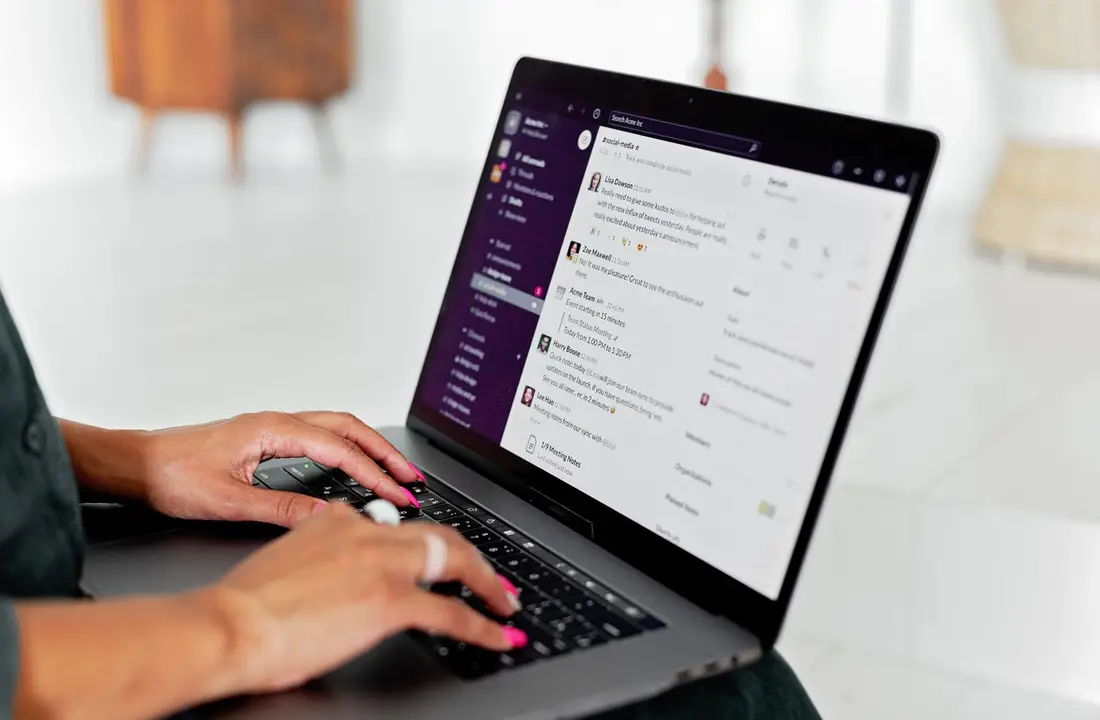
It is the most profitable project, and the one most often started the wrong way round — because people begin with automatic drafting, which is the last step, instead of beginning with observation, which is the first.
Observe for three days
For three days, change nothing and simply note, for each message received, which category it belongs to. Five to seven categories are enough to cover more than nine messages out of ten: general enquiry, quote request, question from an existing client, invoice or admin, inbound prospecting, newsletter, everything else.
This step looks like wasted effort. It is not: it produces the only information that matters, namely how the volume actually breaks down. Almost always, one category on its own accounts for a third or more of the messages, and that is the one to deal with first.
Decide the action for each category
Every category gets an explicit treatment. Writing it down in black and white is what separates an automation that holds up from a patch-up that drifts.
| Category | Treatment |
|---|---|
| General enquiry | Reply drafted from the knowledge base, saved as a draft |
| Quote request | Immediate acknowledgement, notification to the team, no automatic reply on substance |
| Existing client | Filed in the client folder, reply drafted if the question is documented |
| Admin | Filed, amounts and deadlines extracted, no reply |
| Inbound prospecting | Archived straight away, no notification |
The rule that saves time is not about the messages you have to answer, but about the ones you do not. Inbound prospecting archived without notification removes several interruptions a day on its own.
Build the knowledge base
An AI that drafts without a base makes things up. Gather into a single document the most frequent questions with the answers as you would write them yourself, your real turnaround times, your way of saying no, and the explicit list of what must never be committed to without human validation — a firm price, a delivery date, a guarantee.
That document takes half a day to write and gets reread every quarter. It is the only deliverable in the project that cannot be automated, and it is the one that determines the quality of everything else.
Switch to draft mode, then measure
The AI prepares, you approve with one click. This mode looks timid; it is the only one that produces a usable measurement. Track, category by category, the share of drafts sent without any changes at all. Above 80 % for several consecutive weeks, the category can move to direct sending. Below that, it stays in draft — and some categories will stay there for good, which is the right setting rather than a failure.
Wire up the follow-ups
A message sent and waiting for a reply is an open task nobody is tracking. One follow-up on day 2, a second on day 5, a last one on day 9, then stop: three short messages, written in advance, that cancel themselves as soon as a reply arrives. It is the simplest part of the project and the most directly profitable, because it recovers deals that had simply slipped through.
What to keep under control
Three safeguards, from day one. No figure committed to without human validation, on prices as on deadlines. No automatic deletion: archive, never destroy, because a filing mistake has to stay recoverable. And a weekly review of the messages handled automatically, fifteen minutes, to see what has been misfiled before the habit sets in.
Project 2: the welcome sequence

A subscriber you do not write to in the following days has forgotten you. It is the simplest of the ten projects and one of the most profitable, because it is written once and then works for every subscriber to come.
Four messages are enough. The first goes out immediately and delivers what was promised — the guide, the access, the document — without selling anything. The second, on day 1, explains who you are and who you work for, as a short story rather than a company presentation. The third, on day 3, brings proof: a result, a before-and-after, a way of working set out in detail. The fourth, on day 5, proposes a specific action, with a single way through.
Three rules make the difference between a sequence that converts and one that drives people away. One message, one idea: the one carrying three gets none of them across. A subject line that describes the content rather than teasing it, because a tease disappoints on opening and that disappointment is paid for on the messages that follow. And a visible unsubscribe link, not only as a legal obligation, but because a list that is easy to leave is a list that reads.
Beyond four messages, every addition has to justify its place on its own merits. A ten-message sequence with no reason behind it does not do ten times better: it pushes up the unsubscribe rate and damages the deliverability of everything you send afterwards.
What cannot be automated
Negotiation, disputes, bad news, the relationship with an important client. These are exactly the moments where human attention gets noticed, and where its absence gets noticed even more. The point of automation is not to take the human out of the relationship: it is to give back the hours spent sorting, filing and chasing, so that they go where a person's presence changes something.
The order to roll it out
One project at a time, two to three weeks each, starting with email sorting — not because it is the most spectacular, but because it is the one that frees up the hours needed to build the next ones. Then the follow-ups, then the welcome sequence, then whatever your own calculation has brought to the surface.
Three projects properly set up are worth more than ten half plugged in, and the third always goes up faster than the first.
Going further
The calculator puts a figure on the recoverable time from your real volumes. The automation page covers the ten projects one by one, and the demos let you try several of them without creating an account. The rates for each building block are on the pricing page, and if you would rather we looked at your case before you choose, write to us: the first conversation is there to sort, not to sell.
Frequently asked questions
Do you need to know how to code to automate your business?
No. The projects described here are built with tools that assemble visually, and the AI side is steered in plain English, through written instructions. What takes work is not the technology: it is describing precisely what you do by hand today, step by step. An automation only does well what someone has managed to explain.
Which automation should you start with?
The one that comes up most often, not the one that takes the longest. A ten-minute task repeated fifteen times a week costs more than a two-hour task done once a month, and it is far simpler to automate because it is more standardised. In practice, it is almost always the inbox.
How many emails should a welcome sequence contain?
Four are enough: an immediate one that delivers what was promised, one on day 1 explaining who you are, one on day 3 bringing proof, one on day 5 proposing an action. Beyond that, every extra message has to justify its place on its own merits, otherwise it mostly pushes up the unsubscribe rate.
Can AI be left to send messages without review?
Not at the start. Draft mode — the AI prepares, a human approves with one click — lets you measure the real quality over several weeks. Once a category of messages stays durably above 80 % of drafts sent without changes, it can move to direct sending. The others stay in draft, and that is not a failure: it is the right setting.
Does it work with Gmail and Outlook?
Yes, both expose the access needed to read, file and draft. The choice of mail provider changes the plumbing, not the method: the five steps described here are the same in either case.
Put this into practice
Want us to handle it for you?
We put these exact methods to work on your business to deliver measurable outcomes.
Start my project