
Invoice Follow-Ups: How AI Gets You Paid Faster
Overdue invoices piling up? Discover how to automate invoice follow-ups with AI to get paid faster, without spending your evenings on it.
Every month, it's the same scenario. An invoice issued at the start of the month, a customer who "forgets," a manual reminder sent three weeks too late because no one had the time. The result: your cash flow suffers even though the work was done long ago. Automating invoice follow-ups with AI radically changes this equation, and it's probably the most profitable project you can launch this year.
How does AI automate invoice follow-ups?
An AI agent monitors your issued invoices, automatically detects overdue payments, and triggers personalized follow-ups by email (or SMS, or phone call) without human intervention. It adapts the tone and frequency based on the customer's history, the amount owed, and the number of reminders already sent. The business owner keeps control: they approve the rules at the start, then let the system work in the background, with an alert only for complex cases or large amounts.
This isn't science fiction reserved for large corporations. It's a setup that any small or medium-sized business can implement today, with a reasonable investment.
Why manual follow-ups cost more than you think
The real cost of manual follow-ups isn't the time spent writing an email. It's everything that happens around it:
- Plain forgetfulness. An invoice that slips between two urgent tasks, only resurfacing when a customer calls back about something else.
- Inconsistent tone. One team member follows up firmly, another lets it slide out of awkwardness. The customer perceives the company as disorganized.
- Time lag. A reminder sent fifteen days after the due date has far less effect than one sent the very next day.
- Mental load. Following up with a customer, especially a good one, is a task nobody enjoys. It always ends up at the bottom of the pile.
This buildup of small frictions ends up representing several weeks of tied-up cash flow over the course of a year, without any budget line explicitly showing it.
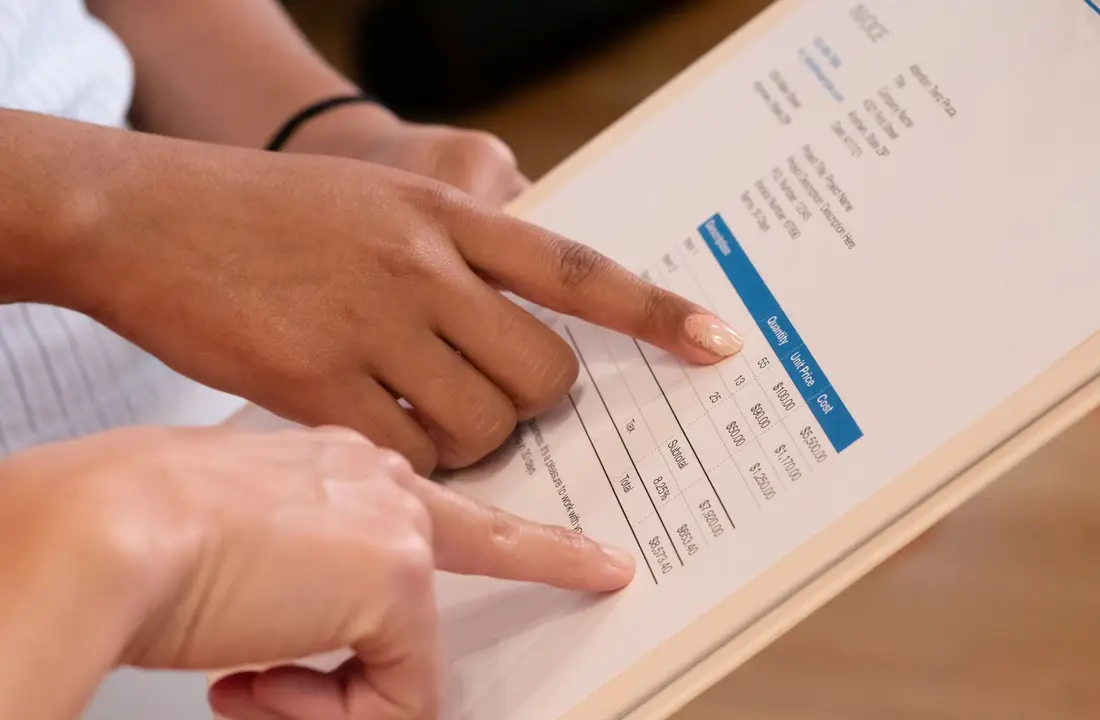
What reporting tasks can also be automated around unpaid invoices?
Beyond the follow-up itself, AI can automatically generate up-to-date cash flow reporting, without a manually updated spreadsheet. This typically includes:
- A status report of overdue invoices, sorted by age and amount.
- An estimate of average payment time per customer, to spot at-risk customers before they turn into unpaid invoices.
- A weekly summary automatically sent to the business owner or administrative manager.
- An immediate alert as soon as an amount exceeds a defined threshold.
This is exactly the kind of repetitive, time-consuming task with no human added value that AI & automation is meant to absorb first. The business owner keeps the big picture without having to rebuild it every week.
📋 Concrete example
A services SME invoices around thirty customers per month. Before automation, follow-ups were done "whenever someone thought of it," often several weeks late. With an AI agent connected to the invoicing tool, every unpaid invoice automatically triggers a polite reminder seven days after the due date, then a firmer one fifteen days later, with a human alert if nothing changes after three weeks. The owner no longer follows up personally: they only review disputed cases.
Manual or automated follow-up: what should you actually choose?
The table below compares both approaches on the criteria that really matter for a small or medium business owner.
| Criteria | Manual follow-up | AI-automated follow-up |
|---|---|---|
| Speed of triggering | Depends on team availability | Immediate once overdue |
| Consistency of tone | Varies by person | Uniform, adjustable by customer profile |
| Workload | Recurring, every week | One-time, at setup |
| Tracking complex cases | Easy to forget | Automatic escalation to a human |
| Cash flow visibility | Manually updated spreadsheet | Automatically generated reporting |
| Cost over time | Recurring human time | Initial investment, then low marginal cost |
It's not about automating everything at once. Many companies start by automating only the first reminders, the polite and standardized ones, and keep humans for trickier negotiations.
How to set up this type of automation step by step
Here's the general logic followed by a project like this, from diagnosis to going live.
Once these three steps are in place, the system runs on its own. The initial setup is the only real work phase; after that, adjustments happen based on real-world feedback, often with just a few minor tweaks per quarter.
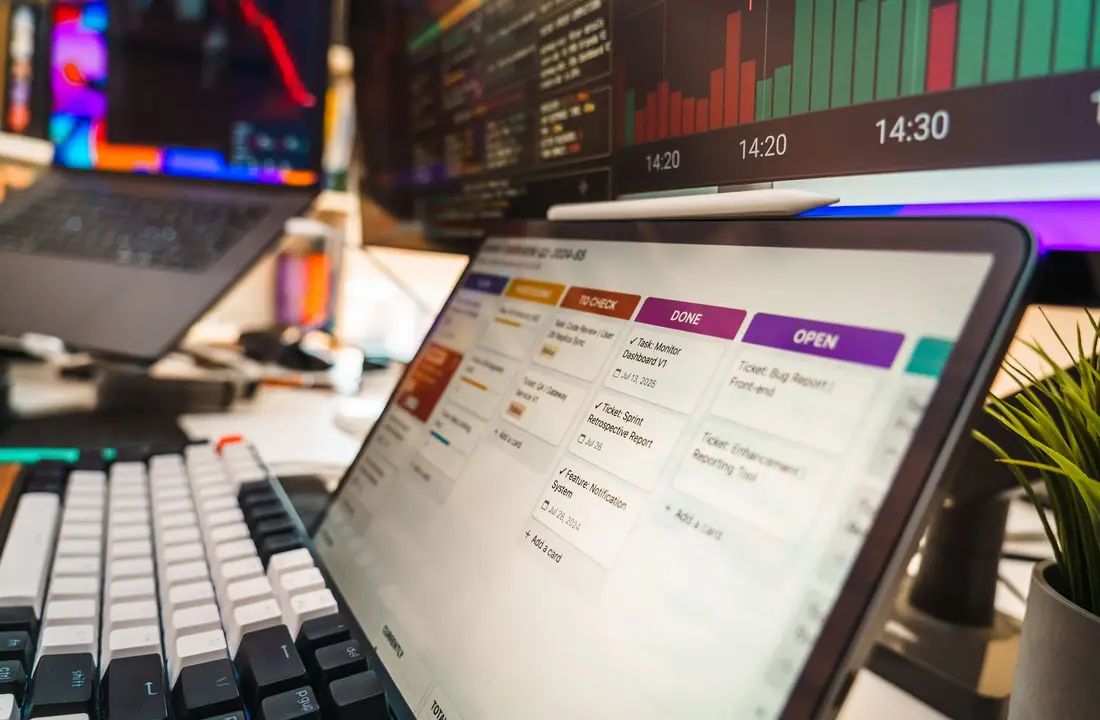
Do you need a dedicated AI agent, or is simple automation enough?
It depends on the complexity of your situations. Simple automation (a trigger + template email) is enough if your customers are similar and your amounts comparable. An AI agent becomes relevant as soon as you need to adjust tone, handle exceptions, cross-reference multiple data sources, or automatically qualify a customer's risk level.
At HelyOs Global, in Vitry-sur-Seine, we often see business owners start with basic automation, then move to a smarter agent as soon as invoice volume or customer diversity increases. It's a natural progression, not a choice you have to lock in from the start.
💡 Key takeaway
Automating follow-ups isn't about being more aggressive with your customers, but about being more consistent and faster, which often improves the relationship rather than harming it.
What budget should you plan for this type of automation?
The budget varies depending on invoice volume, the number of tools to connect, and the expected level of customization. For a small business with moderate invoicing volume, simple automation remains affordable. For an SME with multiple invoicing channels, several teams, or key accounts with specific processes, a more complete AI agent represents a bigger investment, but one that's quickly offset by the cash flow gain. For a quote tailored to your situation, the pricing page remains the most reliable reference, and a direct conversation via the contact page helps fine-tune things based on your current tools.
Before getting started, it's also worth checking where you're losing the most time overall. A free SEO audit sometimes helps spot other frictions in your customer journey that also slow down payment collection — a website that doesn't make online payment easy, for example, or an unclear contact page.
Conclusion
Automating invoice follow-ups with AI isn't a tech luxury reserved for large companies: it's a concrete, measurable project that's quick to implement and directly impacts your cash flow. The principle is simple: fewer oversights, more consistency, and reporting that tells you where you stand without you having to rebuild it every week.
If you want to see how this actually works on cases similar to yours, HelyOs Global's live demos let you visualize the process from start to finish. And if you're still unsure between simple automation and a more complete AI agent, our comparison of solutions can help you decide based on your actual invoice volume and customer diversity.
Frequently asked questions
Could automating follow-ups upset a good customer?
No, not if the tone and frequency are set up properly. A well-designed AI reminder adapts to the customer's history: gentler for a loyal customer who's slightly late, firmer for repeated delays. It's often less awkward than a clumsy manual phone call on a Friday evening.
How long before I see an effect on cash flow?
The first effects are usually visible within the first few weeks, since forgotten invoices immediately resurface in the system. The full impact on average payment time is more measurable over one or two quarters, once customers adjust to the new reminder rhythm.
Do I need an ERP or a specific invoicing software to automate follow-ups?
No, that's not required. An AI agent can connect to most existing invoicing tools (including Excel in some cases) through automations. The key is having a reliable data source on issued invoices and received payments.
Can AI also follow up by phone, not just by email?
Yes, an AI voice agent can handle part of the phone follow-ups, particularly simple reminders before the due date. For sensitive cases or large amounts, human follow-up is still recommended as a complement.
What budget should I plan for automating invoice follow-ups with AI?
The cost depends on invoice volume, the number of tools to connect, and the level of customization desired. There are accessible solutions for a small business as well as more comprehensive setups for a multi-site SME; an exact quote is done case by case — see the pricing page for a tailored estimate.
Put this into practice
Want us to handle it for you?
We put these exact methods to work on your business to deliver measurable outcomes.
Start my project